
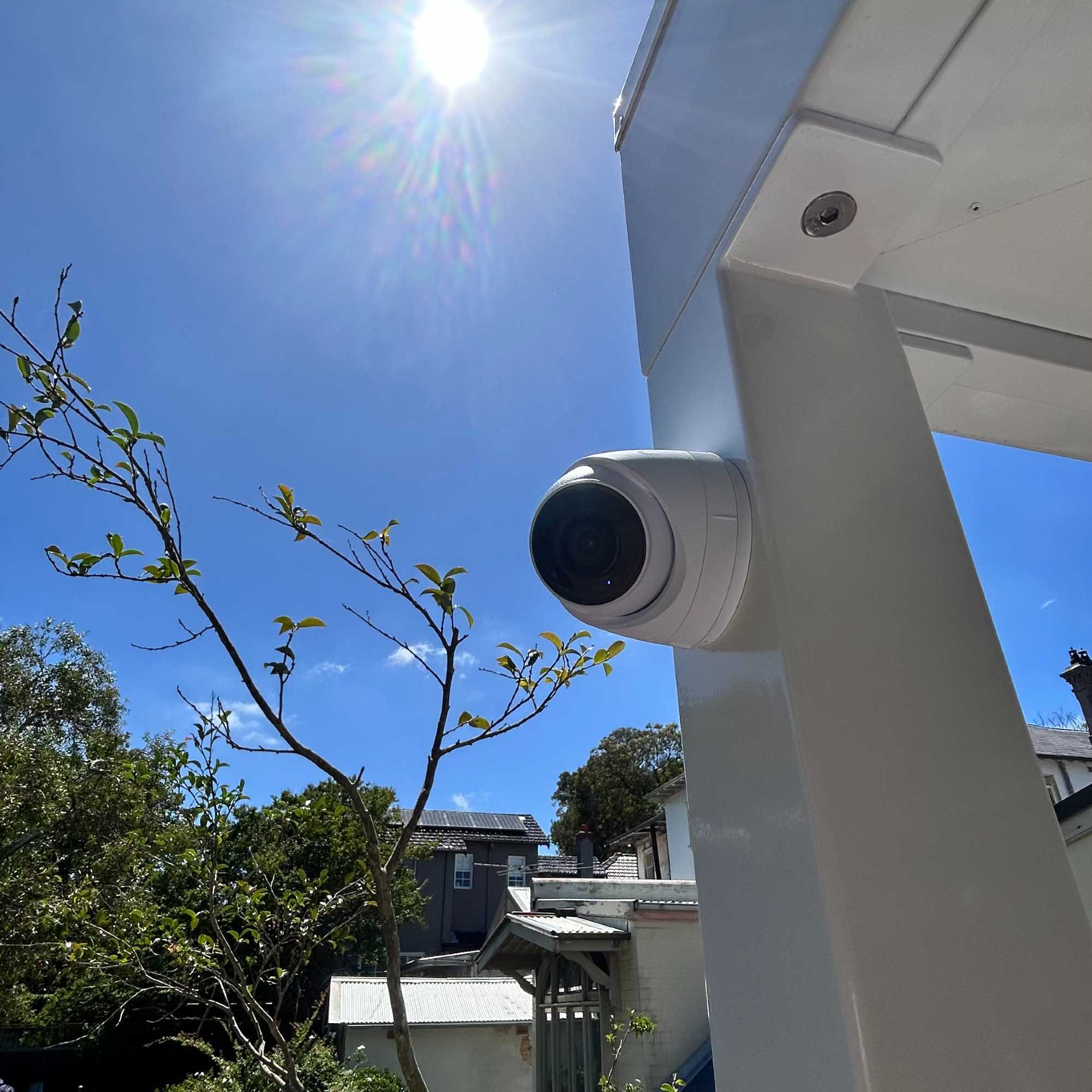
Nobody checks their CCTV footage until they need it. Then something happens (a parcel goes missing, a car gets scratched, someone tries the side gate) and you open the app to find the cameras are live, but the recording stopped three weeks ago. Or it was never there at all.
CCTV not recording is one of the most common problems in home security, and the good news is that the cause is usually one of a handful of things. Some you can check yourself in ten minutes. Some need someone who can get into the recorder.
Here is how to work out which.
First: is it recording, or just not playing back?
Live view and recording are two different jobs. A camera can show a perfect live picture on your phone while the recorder behind it saves nothing.
Open playback, not live view, and look at the timeline. On most network video recorders (NVRs) you will see coloured bars under each camera: one colour for continuous recording, another for motion events. If the bars stop on a certain date, you have a start point for the fault. If there are no bars at all, the recorder is either not saving anything or you are looking at the wrong date.
Hold on to that last point. It matters more than you would think.
The six usual causes
1. The hard drive has failed or filled up
Most home systems record to a hard drive inside the NVR. Recorders run those drives 24 hours a day, every day, and drives wear out. When one fails, the recorder may keep showing live video while quietly saving nothing.
Signs to look for:
- An “HDD error”, “no disk” or “disk abnormal” message in the recorder menu or the app
- The recorder beeping
- A drive status light that is off, flashing or red
A full drive is a different problem. Recorders are normally set to overwrite the oldest footage once the drive is full. If that setting has been switched off, recording simply stops on the day the drive fills.
Related: ordinary desktop drives are not built for constant writing. Surveillance-rated drives are. If your recorder has had a replacement drive at some point, it is worth knowing which kind went in.
2. The recording schedule or mode has changed
Recorders can be set to record continuously, only on motion, or only at certain times. A firmware update, a factory reset or a well-meaning change in the app can leave a camera set to record nothing, or set to record motion with a detection zone so small it never triggers.
If one camera records and another does not, check that camera’s schedule and motion settings first.
3. The clock is wrong
This is the one that catches people out. If the recorder loses its time after a power outage or a network change and cannot resync, it may carry on recording but file the footage under the wrong date. You search last Tuesday, and the footage is sitting under a date years ago.
Check the date and time shown on the live view. If it is wrong, the footage you want may be there after all.
4. The camera has dropped off the network
Most modern systems use IP cameras powered over the network cable, known as PoE. When a camera shows “video loss” or “offline”, the usual suspects are:
- A damaged cable, often at an outdoor joint or where it passes through a roof space
- A failed port on the network switch, or a switch that cannot supply enough power to every camera
- An address clash after a new modem or router was installed
If several cameras dropped out at once, look at whatever they share: the switch, the recorder, or the power feeding both.
5. Power
Recorders do not like losing power. A tripped circuit, a storm or repeated brownouts can stop recording and, over time, damage the drive. If your recorder and network gear are not on a UPS (a battery backup), a short outage can take the whole system down until someone restarts it.
6. Wi-Fi and cloud cameras
Standalone Wi-Fi cameras that record to a memory card or a cloud subscription fail differently. Memory cards wear out. Subscriptions lapse, often after a card payment changes. And a camera at the edge of the Wi-Fi coverage may connect well enough for live view but not hold a stable enough connection to upload recordings. Our guide to whole-home Wi-Fi covers why the boundary of a property is so often the weak point.
What you can safely check yourself
Before calling anyone, this list is worth ten minutes:
- Open playback, not live view, and find the last date with recordings.
- Check the date and time on the recorder.
- Look in the recorder or app for a hard drive or storage status message.
- Check each camera’s schedule and recording mode.
- Note which cameras are affected: one, some or all.
- Check the recorder and network switch have power and their lights are on.
- Restart the recorder once. If it comes back with a drive error, stop there.
Write down what you find. It makes any service visit faster.
What not to do
Do not factory reset the recorder unless you know the camera passwords and settings. A reset can wipe the configuration, and on some systems the cameras will not reconnect without them.
Do not open the recorder or swap drives if you need to keep existing footage. If you need footage for an incident, leave the drive alone and get it looked at properly.
When it is time to call someone
Call when the recorder shows a drive error, when cameras keep dropping off, when you cannot get into the recorder at all, or when nobody knows the admin password. These are quick jobs for someone with the right access, and slow, frustrating ones without it.
It is also worth a call if the system is old enough that the recorder no longer gets updates or the app has stopped working. At that point the question becomes whether to repair or replace, which our guide to ageing systems covers.
A note on privacy and the law
In NSW, the Surveillance Devices Act 2007 makes it an offence to record a private conversation without consent. For most homes that means CCTV should record video only, with audio switched off. Cameras should also be aimed at your own property, not into a neighbour’s yard or windows. If your system has been reset or replaced, it is worth confirming both. Our Northern Beaches security guide goes into camera placement in more detail.
Stopping it happening again
- Turn on alerts for drive errors and video loss. Most recorders can send a push notification or an email when a drive fails or a camera drops out, so you find out the day it happens, not the day you need the footage.
- Use surveillance-rated drives.
- Put the recorder and network switch on a UPS.
- Spot check every month or two: pick a random day in playback and make sure it is there.
Frequently asked questions
How do I know if my CCTV is actually recording?
Open playback rather than live view and check the timeline for recent dates. If recent days have no recording bars, or the recorder shows a drive error, it is not recording.
How long does CCTV keep footage?
It depends on the drive size, the number of cameras, the resolution and whether it records continuously or only on motion. A home system can keep anything from about a week to a couple of months before it overwrites the oldest footage.
Why does my CCTV say HDD error?
The recorder cannot read or write to its hard drive. The drive may have failed, may be unformatted after a replacement, or may have come loose. Recording will not resume until the drive is fixed or replaced.
Can a power outage stop my CCTV recording?
Yes. The recorder may not restart cleanly, its clock may reset so footage is filed under the wrong date, and repeated outages can damage the drive. A UPS prevents most of this.
Is it worth repairing an old CCTV system?
Often, if the cameras and cabling are sound and the fault is the recorder or a drive. If the recorder is no longer supported or the cameras are low resolution by today’s standards, replacing the recorder and keeping the cabling is often the better spend.
Related reading
- Why Is My Home Alarm Beeping? Common Causes and Fixes
- Smart Home Troubleshooting: 8 Things to Check Before You Call an Installer
- Smart Home Security Installation for Northern Beaches Homes
- Whole-Home Wi-Fi: Why Mesh Networking Is a Must for Modern Smart Homes
CCTV not recording? Call us.
We service and repair home CCTV and security systems across Sydney’s Northern Beaches, Eastern Suburbs, North Shore and Northern Suburbs, including systems we did not install.
Sam Doolan · 0479 122 450 · sam@hyperautomation.com.au
More on our CCTV and surveillance service and CCTV repairs.